ImageBlock
The VideoBlock is a simple banner to display a video sourced from YouTube. The VideoBlock can either be used standalone or embedded into a grid wrapper.
Structure examples
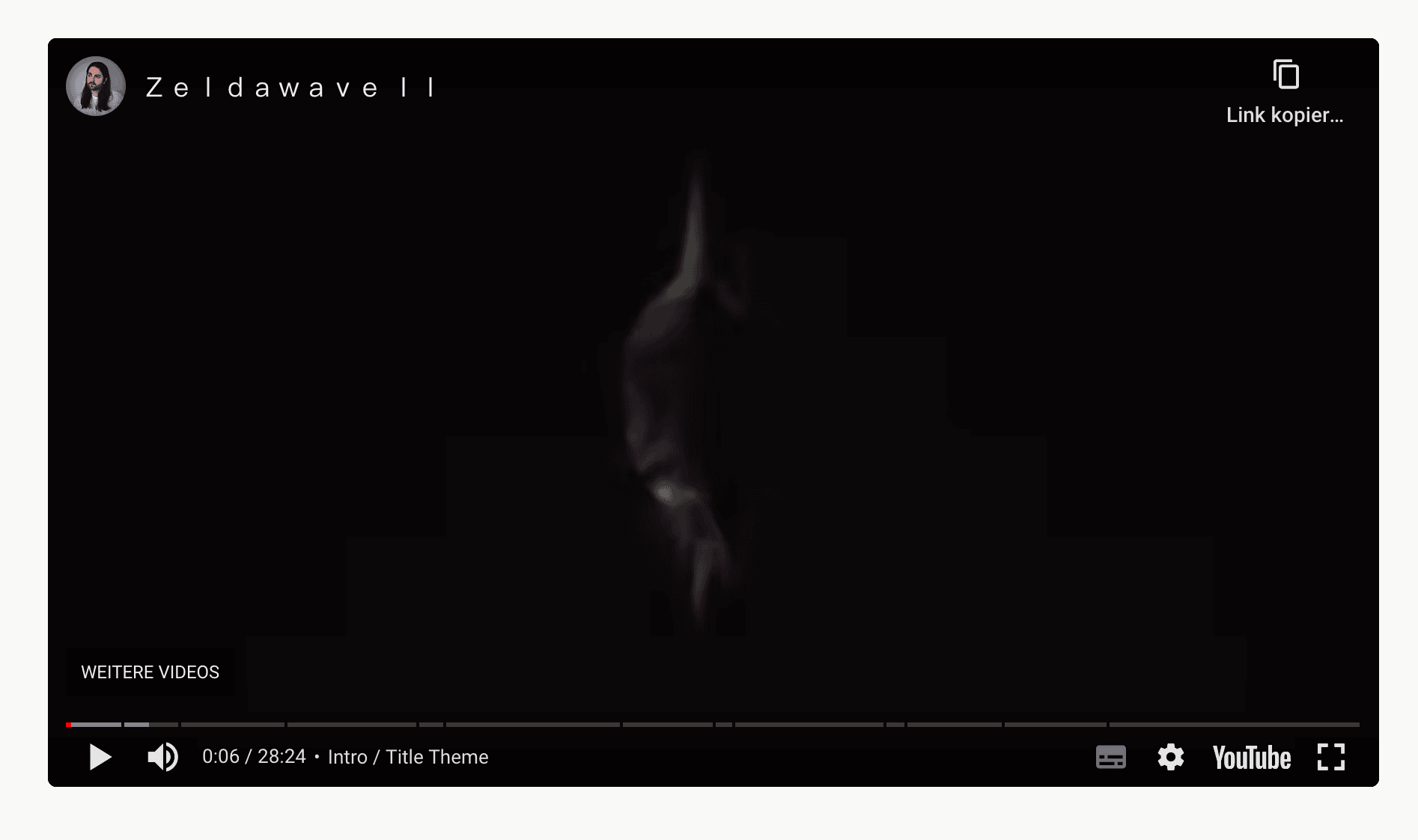
This simple example shows a standalone VideoBlock, that uses the aspect-video aspect ratio and is center aligned.
Create
POST _apiBaseUrl/v1/cms/banner/video-blockCode
VideoBlockDto{
"ytUrl": "https://www.youtube.com/watch?v=ABc12345dE",
"title": "My acessability video title",
"params": "start=1150",
"styleOptions":{
"aspectRatio": "aspect-video",
"alignment": "center",
"height": "400px",
"maxHeight": null,
"isScreenHeight": false,
"isScreenWidth": false
}
}Arguments
The url of the YouTube video. Shophub supports two YouTube URL formats:
- Default: https://www.youtube.com/watch?v=<ID>
- Shortened: https://youtu.be/<ID>
The title of the video. The title won't be actually rendered in the HTML DOM, but is used as accessability title for the iframe.
Any params you want to pass to the URL in the iFrame. Two important points to notice: You need to add the params, we already set up for you, so you should write start=1150 and not ?start=1150 or &start=1150.
You can place more params, but it will need to fully form: start=1150&other=value&another=value. First, when you share a YouTube url the param of time is t, but the embed needs start.
Optional style options to further customize the video block. Focusing on the size of it.
Defines the aspect ratio of the video.
Defines where the video iframe is aligned inside its parent container.
Height of the video. Allows all possible css sizes. Using max-height is recommend, if a defined height is desired, as a fixed height can cause black horizontal bars to appear, as the actual video has to fit the given aspect ratio. A small defined height, will prevent isScreenWidth to display the video properly.
Max height value allows all possible css sizes.
Sets the video block to screen height. This overwrites the 'height' and 'maxHeight' attributes. When combined with isScreenWidth, the video will not always be full width.
Sets the video block container to full width, ignoring all paddings in the process.